 vyn
vynGet lost in something good.
Discover, track and play movies, shows and Live TV. Your next obsession and your own collection, together in Vyn.
iPhone, iPad and Mac coming soon.
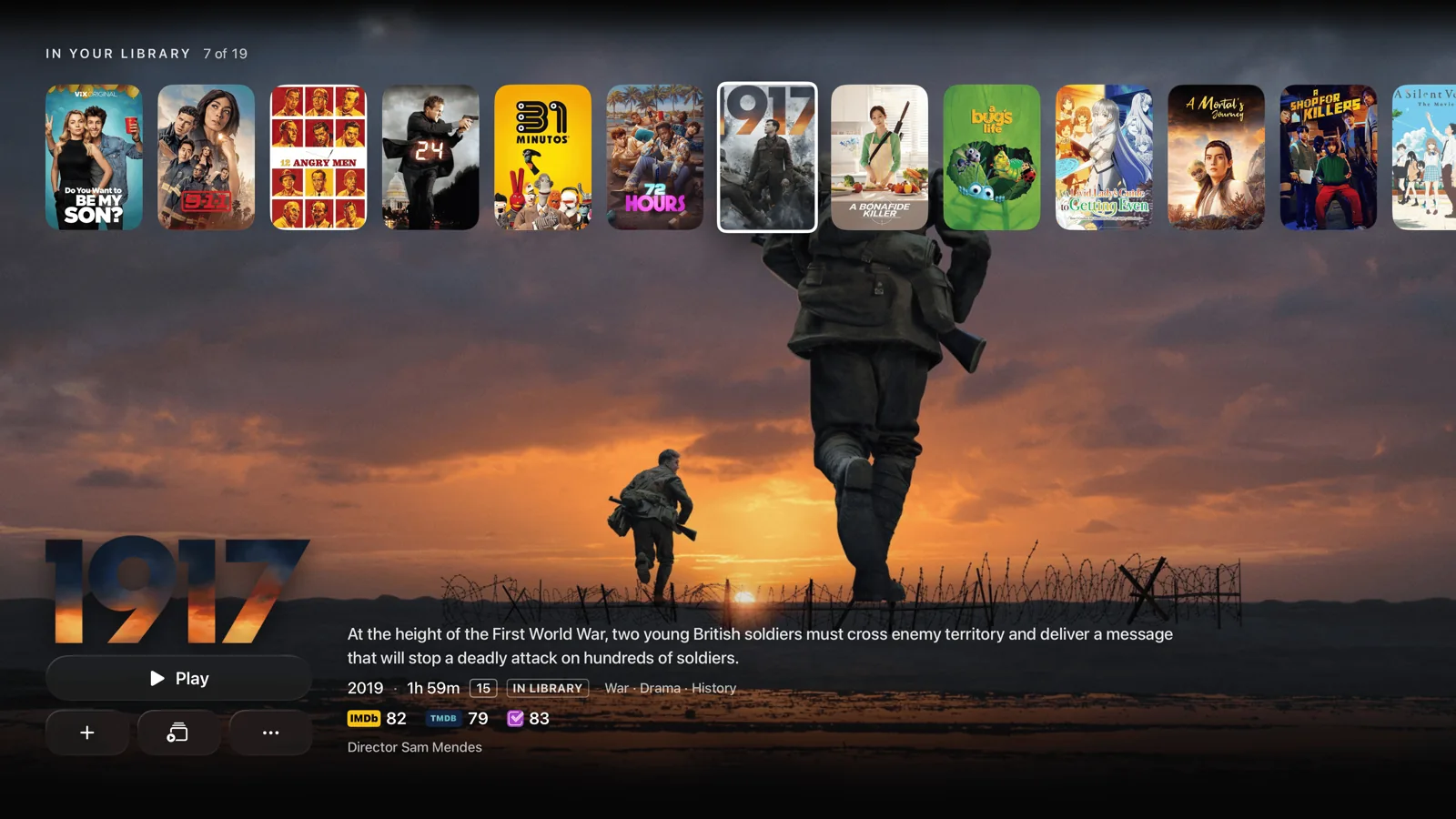
The full picture. Available now on Apple TV.
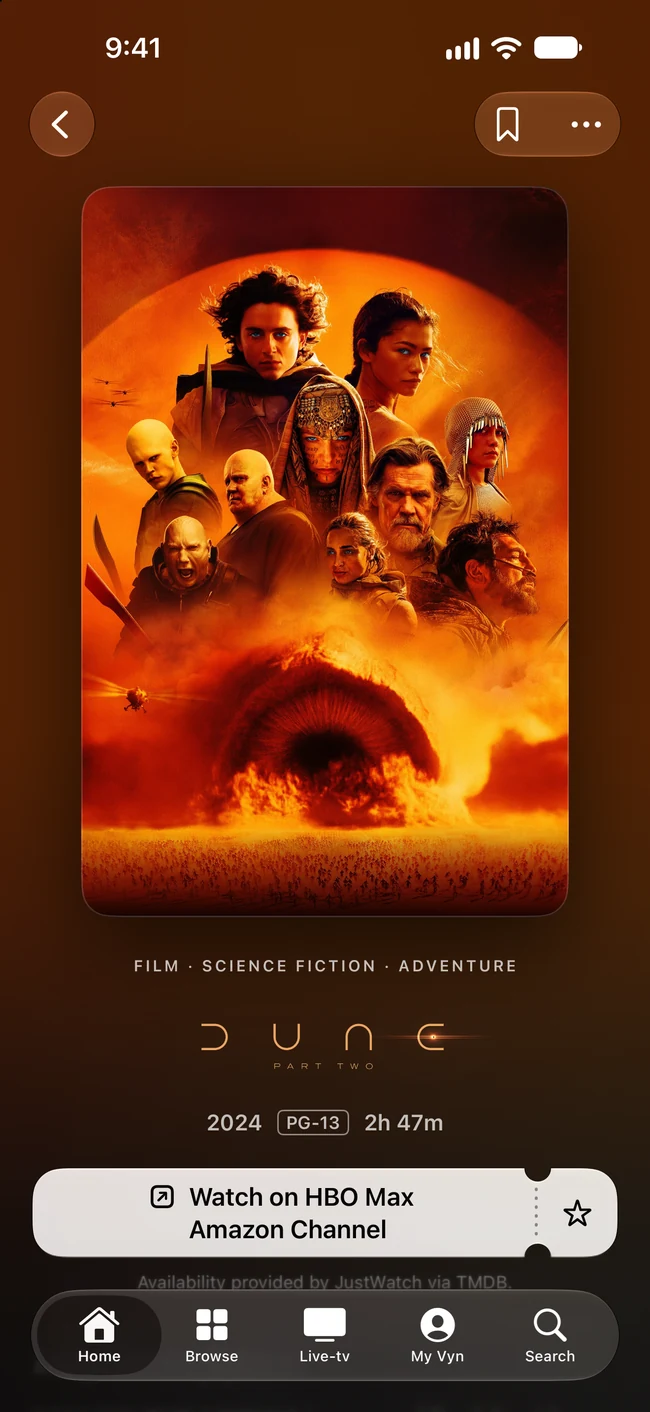
Less “what’s on?”
More “this one.”
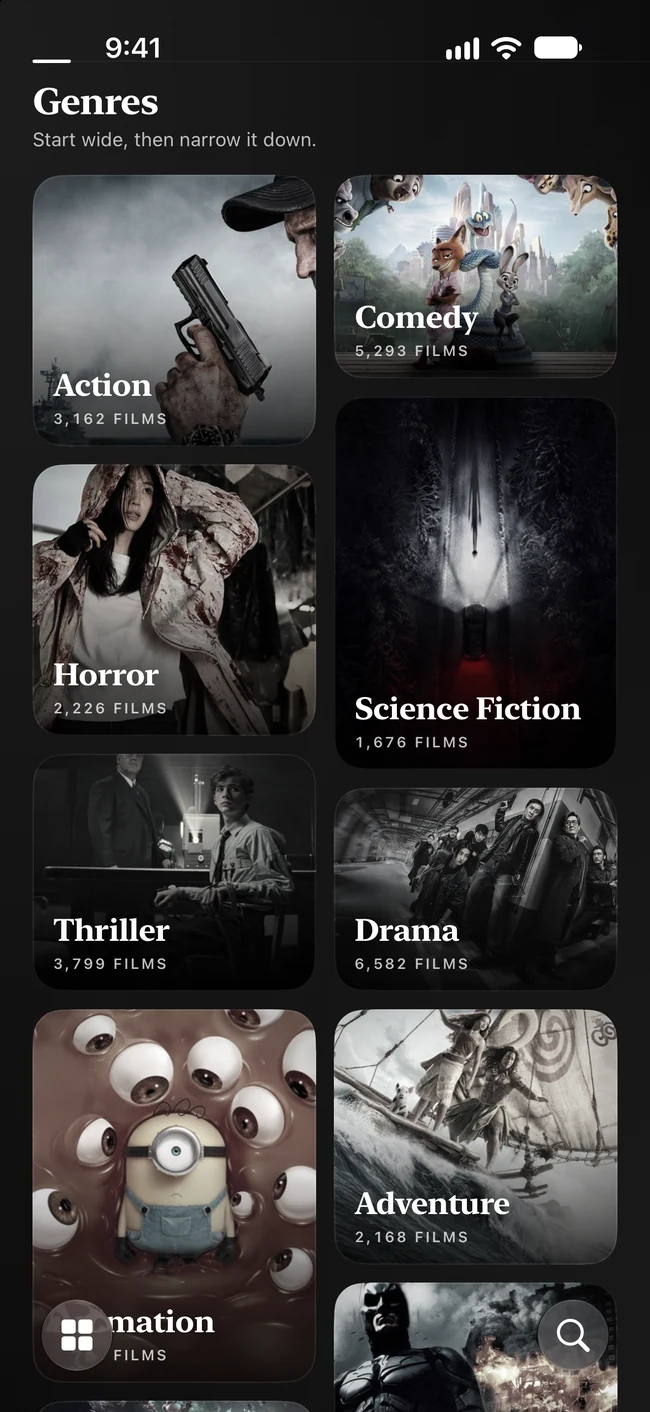
A film for a short evening. A series you can’t put down. Follow your curiosity through moods, genres, cast and collections—and find where a title is available to watch.
- Good from the moment you open it.Discovery, watchlists and tracking work without a Vyn account or a connected media source.
- Go down a good rabbit hole.Explore people, episode ratings, trailers and the films behind your favourite films.
- Your taste has a home.Build personal lists and get recommendations shaped privately on your device.
Take a look
around.
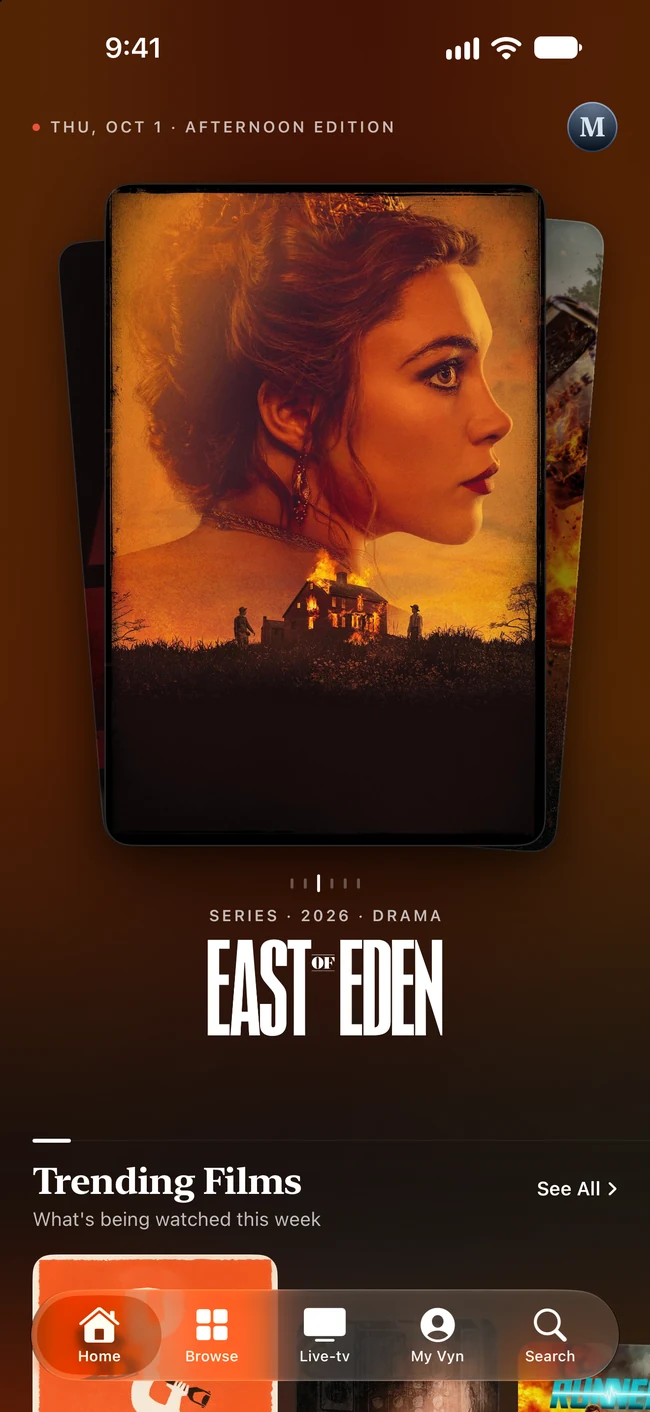
From the first poster to your next obsession. See the redesigned Vyn for iPhone in a 29-second tour of Home, discovery, playback and your personal watching world.
- A Home worth exploring.Film artwork, curated rows and a new way to browse.
- From your collection to the screen.Your connected sources, playback and Live TV.
- Your week, in posters.What you watched, and what’s coming next.
Read the preview description
The tour opens on Home, swiping through film artwork and switching from dark to light appearance. A scroll reveals Continue Watching and ranked film rows. The Sintel title page leads to connected sources and playback. Browse shows mood collections and a genre mosaic. The Live TV guide opens a channel. My Vyn finishes the tour with viewing history, upcoming episodes and a watchlist.
Viewing stats are part of Vyn Plus. Vyn doesn’t supply content; connect your own media servers and IPTV sources.
Preview of Vyn for iPhone. iPhone and iPad coming soon.
Your collection.
All together now.
Your server here. A playlist there. Vyn brings your connected movies, shows and live channels into the same experience. Choose a title, then choose an available way to play.
Jellyfin
Your self-hosted movie nights, with rich discovery, subtitles and playback.
Explore Jellyfin with VynPlex
Sign in, choose a server, and give your personal library a new home.
Explore Plex with VynEmby
Connect your Emby library and bring your movies and series along.
Explore Emby with VynIPTV
Xtream or M3U. A real programme guide, favourites and live viewing.
Explore IPTV with VynYour sources, your content. Vyn doesn’t supply movies, channels, subscriptions or playlists.
Give movie night
the big screen.
From the first frame to the closing credits. A capable player with clear release information, audio and subtitle controls, and support for compatible 4K and HDR sources.

For the nights
that happen live.
Your channels deserve more than a list of links. Browse what’s on, keep favourites close, and catch up when your provider supports it.
Can’t pick one? Watch up to four live channels together with Multiview.
Vyn Plus Multiview requires enough provider connections.
Take a look at Live TV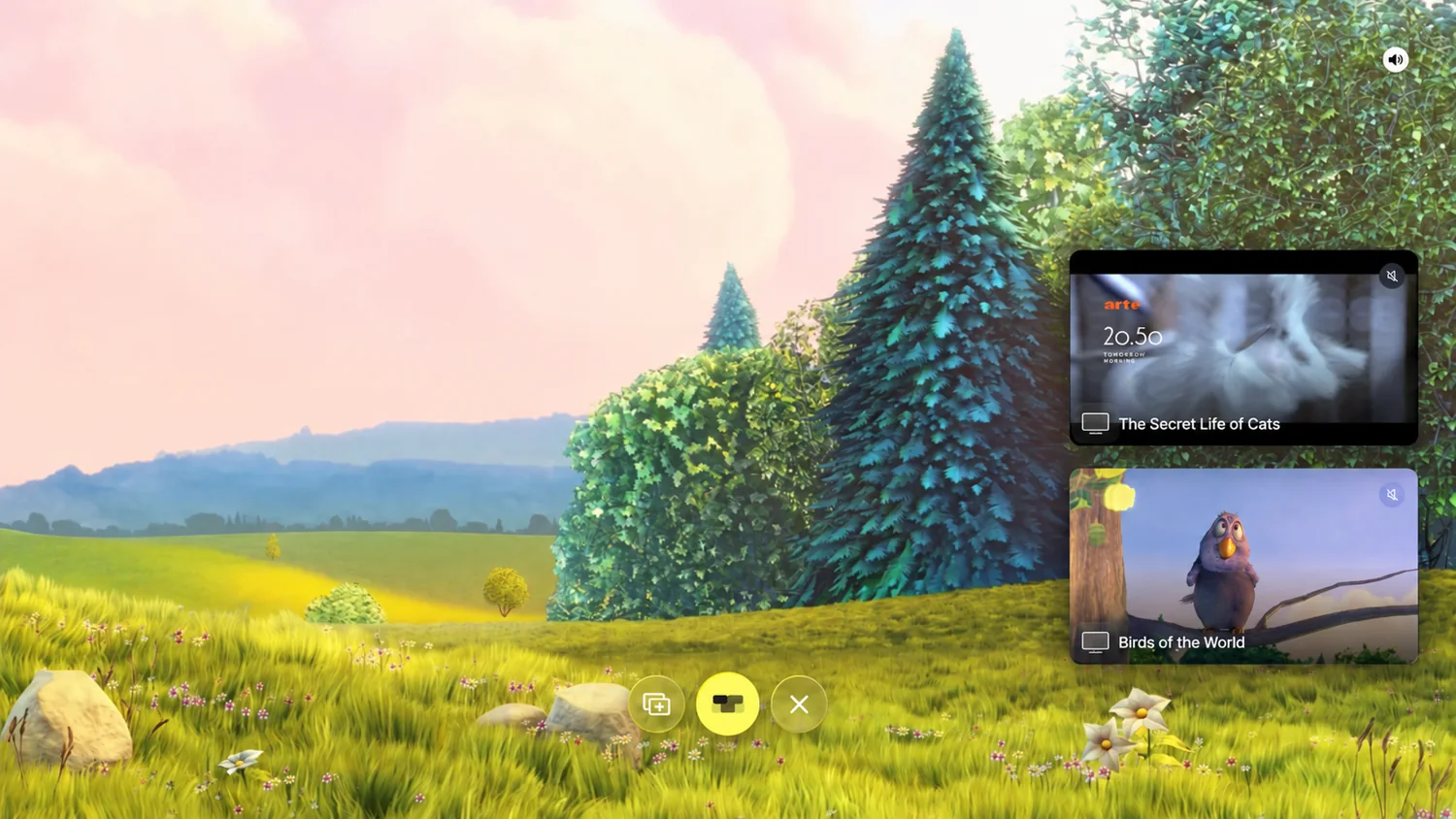
A little more
you. Everywhere.
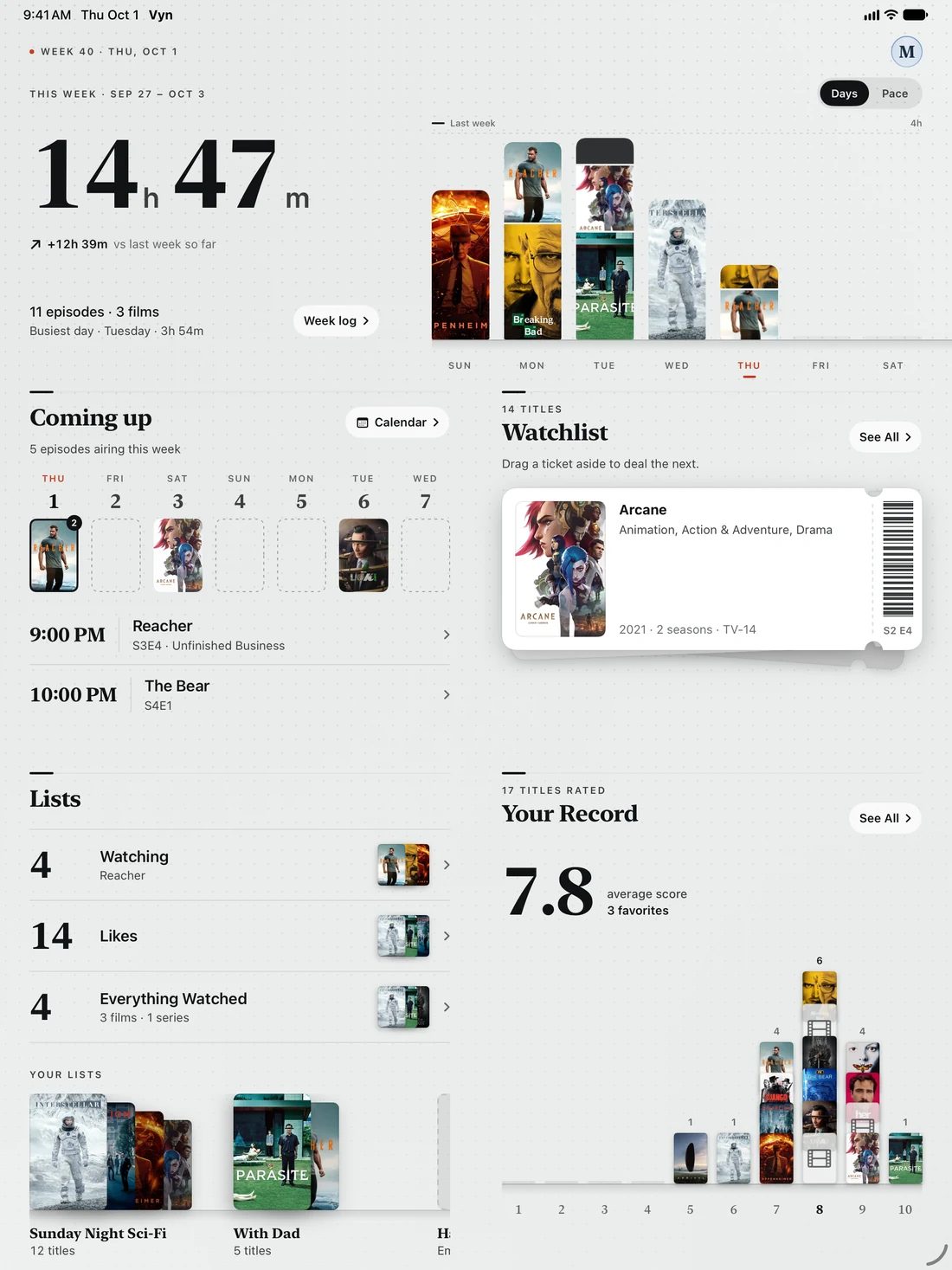
The things you’ve watched. The next episode you’re waiting for. That list you keep adding to. My Vyn brings your watching life together.
- Keep your place.Continue Watching, watchlists and upcoming episodes in one personal space.
- Bring your history.Connect Trakt and Simkl for watchlists, history and scrobbling.
- Make Home your own.Reorder rows, hide what you don’t use, and create your own collections.
Start with a lot.
Go a little further.
Discovery and online playback are part of Vyn’s free experience. Vyn Plus adds more ways to make it yours.
Vyn. Start free.
A great place to find something good and press play.
- Discover movies, shows, people and collections
- Personal watchlists and watch tracking
- Online playback, audio tracks and subtitles
- Picture in Picture and provider-supported catch-up
Vyn Plus. More possibilities.
For the collection, the household, and the way you watch.
- Offline downloads on iPhone and iPad
- AirPlay and up to four-channel Multiview
- Viewing stats, more sources and more profiles
- iCloud Sync for watchlists, progress and organisation
Plus features vary by platform. Offline downloads support direct movie and episode files from Plex, Jellyfin and Emby. See how downloads work. See the app for current Plus pricing. iPhone, iPad and Mac are coming soon.
A few things
worth knowing.
More help
What is Vyn?
Vyn is a movie and TV discovery app, watch tracker and media player for Apple TV, iPhone, iPad and Mac. Explore films and series, organise watchlists and connect your own media sources when you want to play.
Do I need a media server to use it?
No. Discovery, tracking, personal lists, recommendations and watch availability work before you connect a source. Playing from a personal library requires your own compatible source, such as Plex, Jellyfin or Emby.
Does Vyn include movies or TV channels?
No. Vyn does not provide or host media, channels or playlists. You bring your own lawfully sourced media or a compatible service. Seeing a title in discovery does not mean Vyn includes the right to stream it.
Is Vyn free?
Vyn includes free discovery, tracking and online playback. Vyn Plus adds extras including offline downloads on iPhone and iPad, AirPlay, Multiview and iCloud Sync. Features vary by platform; see the app for current Plus pricing.
Where can I download Vyn?
Vyn is available now for Apple TV on the App Store. iPhone, iPad and Mac versions are coming soon, with no announced release date.
Which devices does Vyn support?
Vyn is available now for Apple TV. iPhone, iPad and Apple silicon Mac versions are coming soon. System requirements are tvOS 26.4 or later, iOS or iPadOS 26 or later, or macOS 26 or later. See the devices page for the experience on each screen.
Your next watch
starts here.
Discover something you’ll love. Bring the collection you already do. Make room for Vyn.
iPhone, iPad and Mac are coming soon.