 vyn
vyn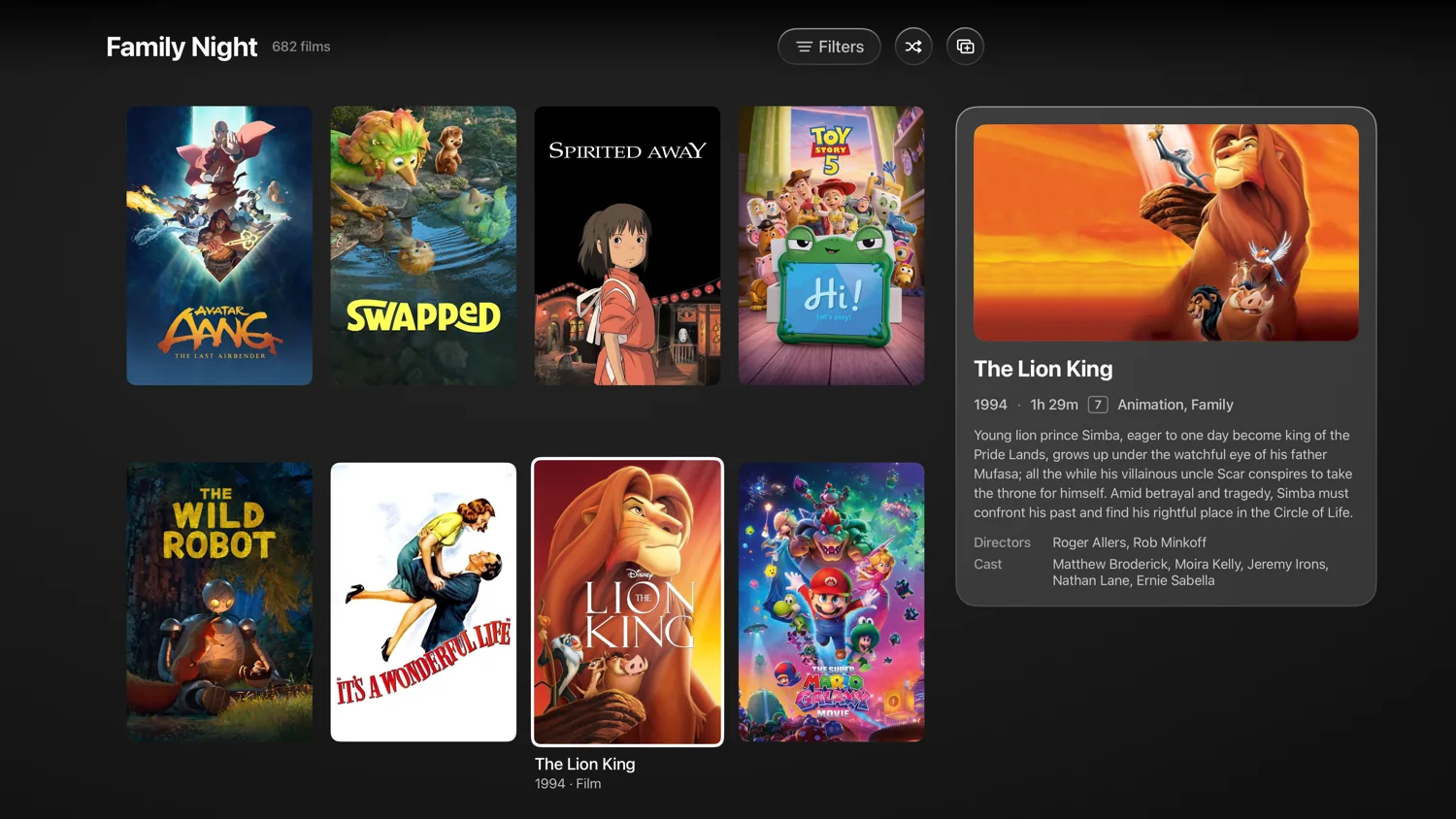
A different way to explore Emby
Vyn gives an Emby library room to be explored. Movie details, cast, collections and episode information help turn a familiar collection into something you want to browse again. Personal lists let you keep a film for later without needing to remember which row it appeared in.
You can start discovering and tracking before connecting Emby. Connecting your server adds availability and playback from the media you already have access to. Vyn does not include movies, shows or a hosted server.
Connect Emby to Vyn
- Open source settings in Vyn and choose Emby.
- Enter the server address and sign in to your Emby account on that server.
- Browse available titles and open a movie or episode to play.
Check that your device can reach the server and that the account has permission to access the libraries you expect. If titles are missing, verify the server address and library access before assuming there is a playback issue.
Access from outside your home depends on your own server and network configuration. Vyn does not create remote access for you. When asking for help, include the device, app version and a description of the error, and keep passwords and access tokens out of screenshots.
Choose a release and make it comfortable
Vyn’s player exposes practical details: available audio tracks, subtitles, subtitle timing and playback speed. Release information helps distinguish the file versions available from your source.
Compatible media can play in 4K and HDR, with Dolby Vision and Dolby Atmos on supported setups. Results depend on the file and the capabilities of your device, display and audio system. Intro and credits skipping also depends on timing data being available for the title.
Online playback and subtitle controls are included in the free experience. You can connect other supported services alongside Emby; Vyn Plus adds more sources and other power-user features.
Download from Emby on iPhone and iPad
For a journey or an evening without reliable internet, Vyn Plus supports offline copies of finite direct movie and episode files from Emby. Start the download while the server is reachable and verify completion in Account → Downloads.
Downloads stay on the device where they were created. Live streams, IPTV playlists and HLS or transcoded manifests are not part of this feature. Completed copies remain playable even if your Plus entitlement later lapses. New downloads require Plus.
The offline viewing guide explains the full set of supported sources and limitations.
Your library, your rhythm
My Vyn brings together your watchlist, Continue Watching and upcoming episodes. Trakt and Simkl integrations let you connect watch history and scrobbling. Home can be reorganised with your own rows and collections.
Vyn has native layouts for Apple TV, iPhone, iPad and Mac, so browsing with the Siri Remote feels different from browsing at a desk. See the device guide for minimum requirements and platform-specific features.