 vyn
vyn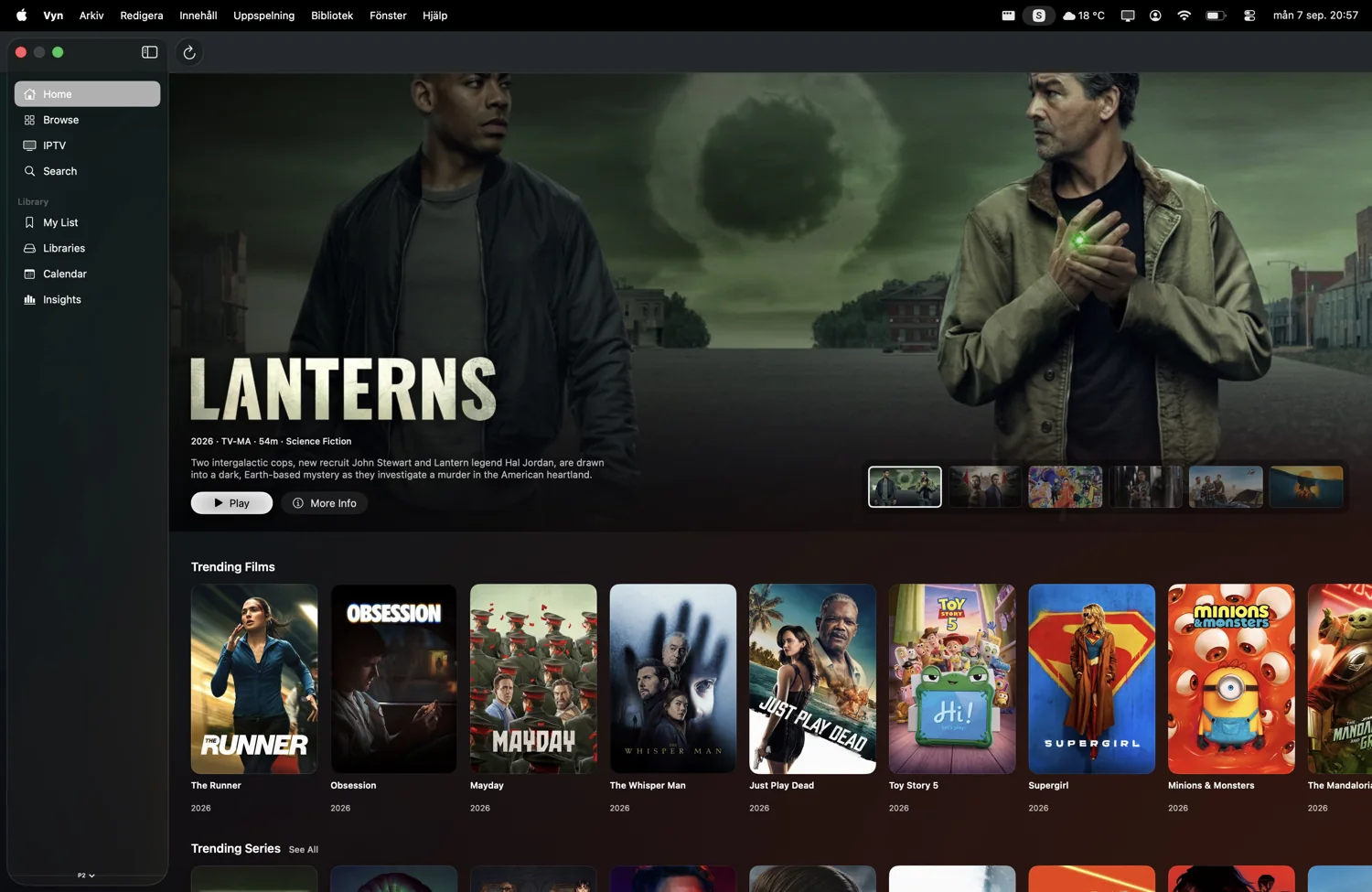
Apple TV: settle in
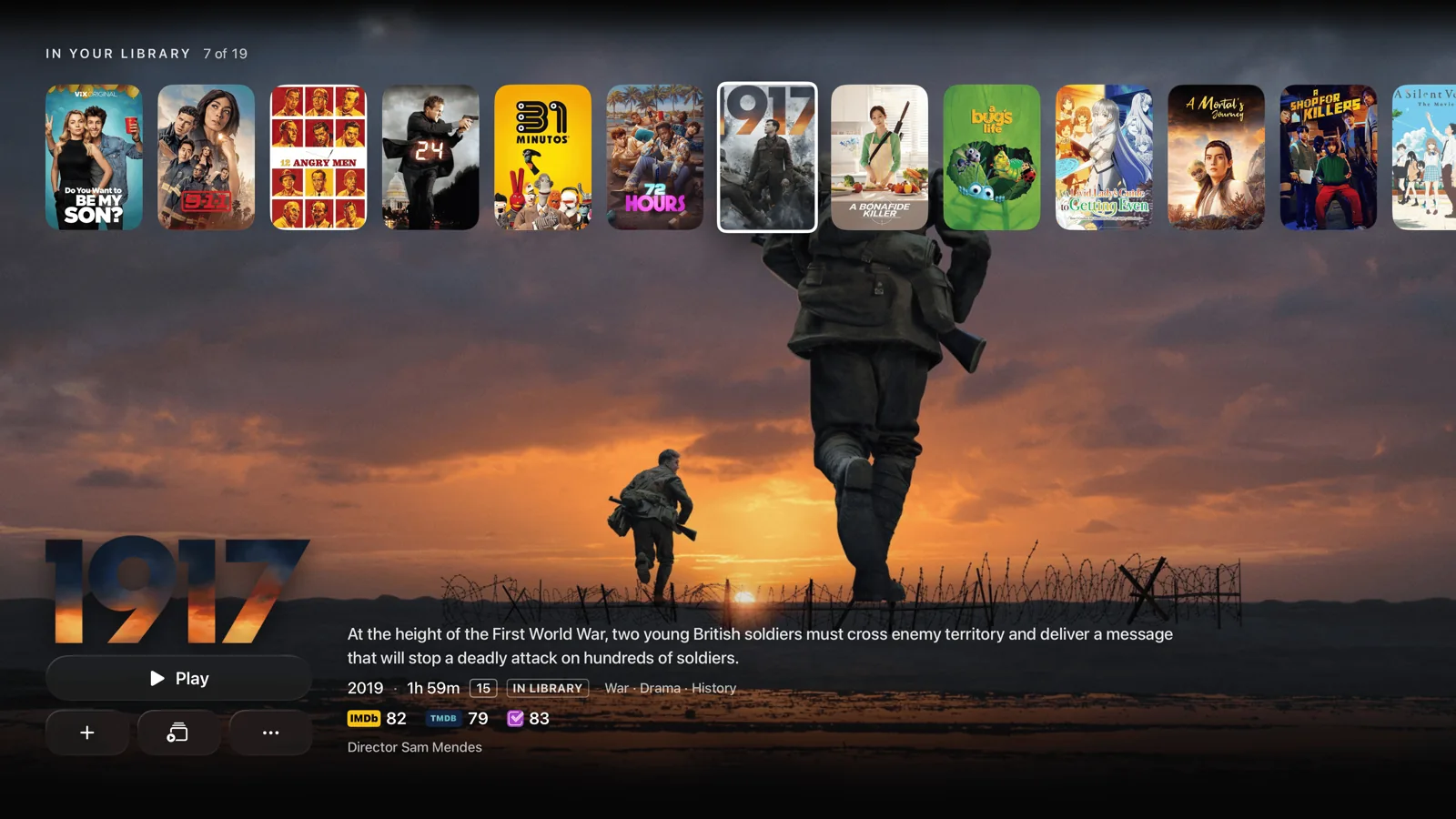
Vyn on Apple TV is designed for browsing from the sofa with the Siri Remote. Large artwork, film and episode details, personal collections and a full Live TV guide give your library room to breathe. Continue Watching can be reached from the Apple TV Top Shelf.
Play compatible 4K and HDR media, choose audio and subtitles, and browse the guide over live video. Vyn Plus adds up to four-channel Multiview when your provider allows enough simultaneous streams.
Requires tvOS 26.4 or later. Playback formats depend on the device, source, television and audio setup.
iPhone: take your taste with you
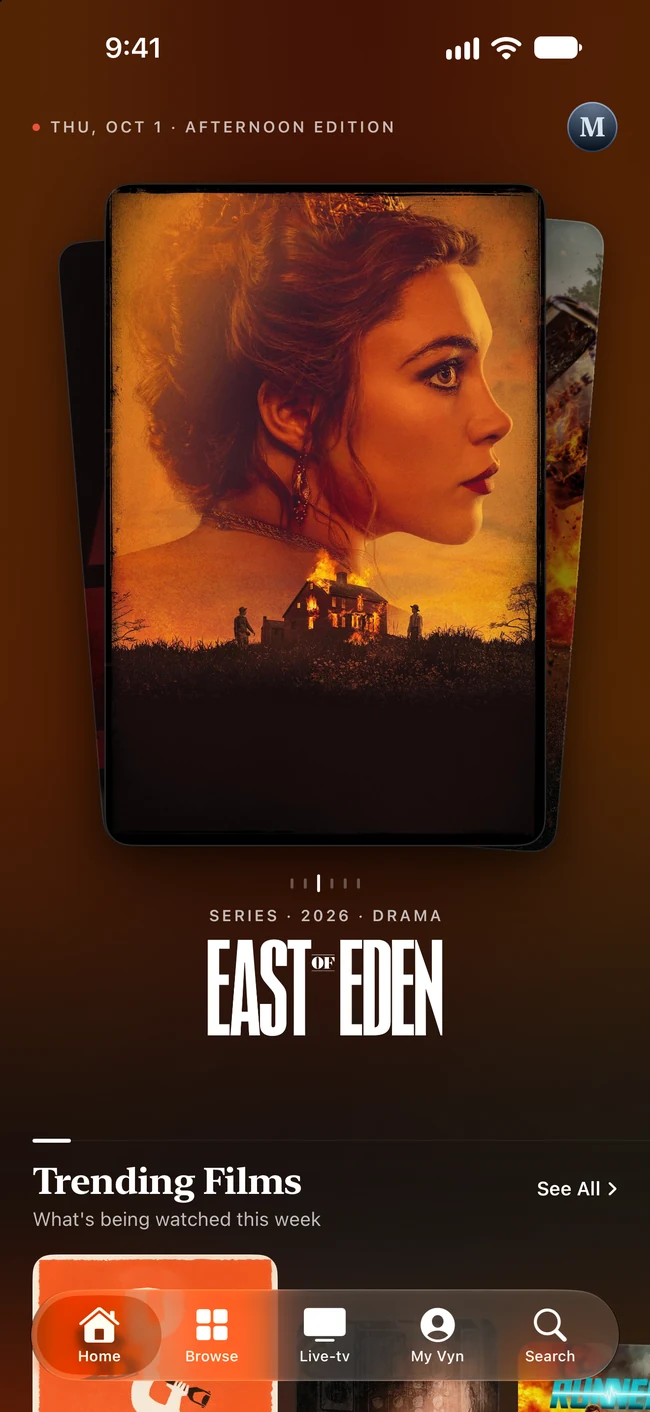
Discover a film on the train, save it to a list, or catch up on a show in a touch-first interface. Vyn brings discovery, episode details, watch tracking and your connected sources into a pocket-sized experience.
Picture in Picture is included in online playback. Vyn Plus adds AirPlay and offline downloads of supported direct files from Plex, Jellyfin and Emby. See the download guide before planning an offline watch.
Requires iOS 26 or later. Downloads stay on the iPhone that created them.
iPad: a little more room to explore
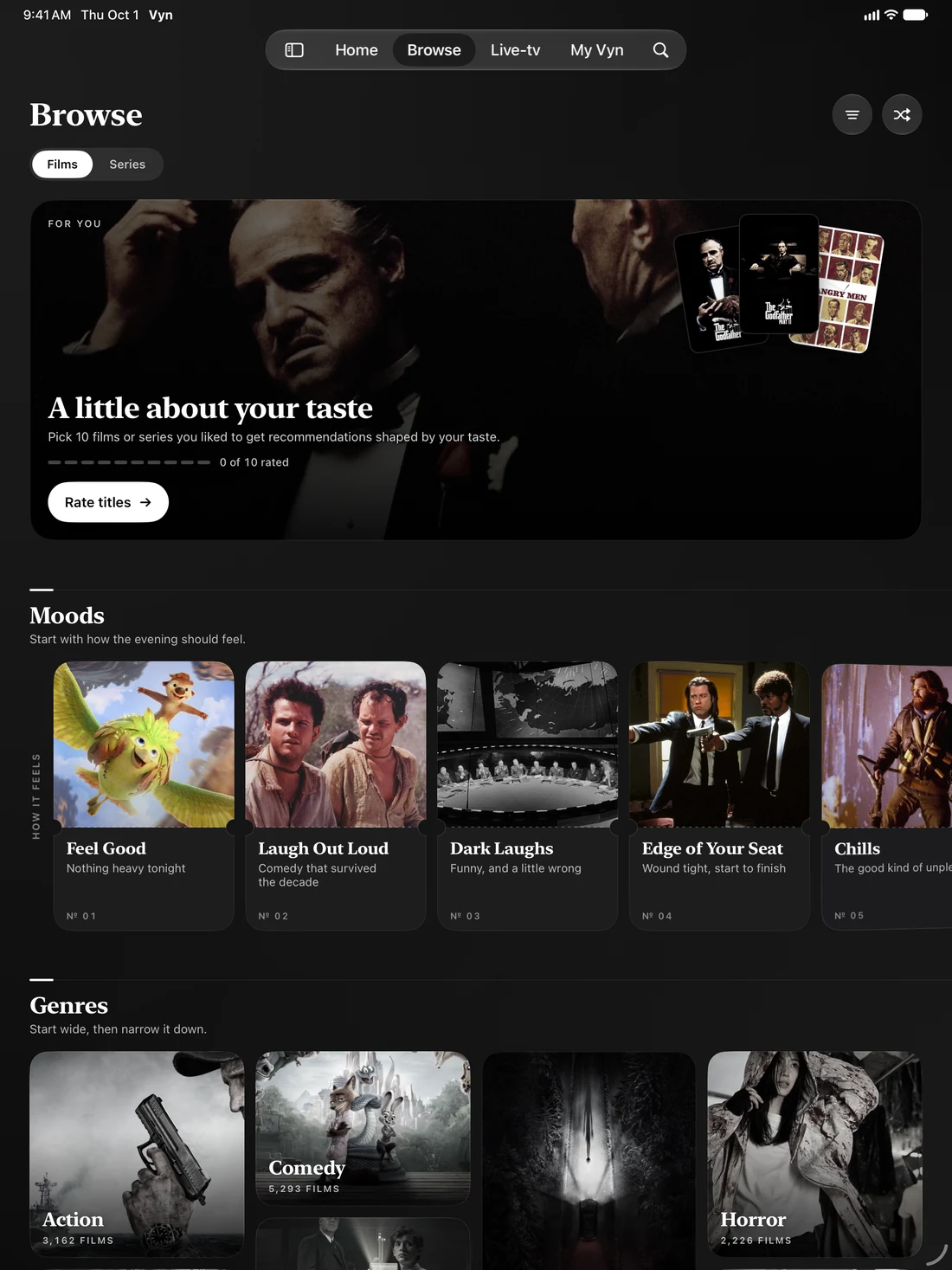
The iPad gives artwork, browsing and the programme guide more space, with layouts that adapt to the available size. Use Vyn for a personal movie night, to discover something new, or to find your way around a large collection.
Like iPhone, iPad supports Picture in Picture and offers offline downloads and AirPlay through Vyn Plus. A download on your phone is not automatically downloaded to your iPad.
Requires iPadOS 26 or later. Use your own compatible sources for playback.
Mac: make room at your desk
Vyn on Mac has a native desktop layout for keyboard and pointer, with navigation and browsing arranged for a larger window. Explore artwork, casts and collections, keep track of your watching, and play from your connected library.
The core experience brings the same sources and personal media world to your desk. Offline downloads are currently an iPhone and iPad feature, so plan to stream on Mac.
Requires macOS 26 or later and an Apple silicon Mac.